
What is SAP Business One (SAP B1) and What Types of Businesses Is It Suitable For?
Table Content
What is SAP Business One?
SAP Business One, or SAP B1, is an Enterprise Resource Planning (ERP) solution designed to help businesses manage their operations by connecting different departments and processes across the organization within a single system. Developed by SAP, one of the world’s leading ERP software companies, SAP Business One is specifically designed for small and midsize businesses (SMEs).
Built on internationally recognized standards, SAP Business One provides comprehensive functionality across a wide range of industries and is designed to support business growth. It enables organizations to gain deeper insights into their operations, respond more quickly, and make more accurate, real-time, data-driven decisions. Today, SAP Business One is trusted by more than 80,000 customers worldwide.
SAP Business One integrates core business functions across the entire organization, connecting processes and enabling departments to access shared information. It covers accounting, financial management, purchasing, sales and customer management, inventory management, production planning, manufacturing, project management, reporting, and analytics. By bringing these functions together, SAP Business One provides greater visibility and a clearer view of overall business performance.

SAP Business One Capabilities
1. Management and Administration
SAP Business One provides essential functions for system administration, configuration, and business rule management. These include setting up business partners, defining payment terms, importing and exporting data, and configuring Approval Processes. Organizations can also manage account access and define user roles and permissions to ensure appropriate system access.
2. Accounting & Financial Management
SAP Business One provides a comprehensive set of tools to streamline financial operations, reduce business errors, and improve profitability, including:
🔷 Create and maintain a Chart of Accounts, manage the General Ledger, journal entries, budgets, accounts payable, and accounts receivable.
🔷 Automatically post accounting entries in real time when relevant business transactions occur.
🔷 Manage banking, payments, and reconciliation processes, including checks, cash, and credit cards.
🔷 Generate financial reports such as Profit & Loss Statements, Cash Flow Statements, Balance Sheets, and Aging Reports.
🔷 Support automated tax calculation and reporting, including sales tax, use tax, and VAT.
3. Purchasing & Operations
Purchasing has a direct impact on an organization’s costs. Effective procurement management can significantly reduce unnecessary expenses. SAP Business One provides tools to help businesses optimize purchasing processes and improve cost control, including:
🔷 Manage and connect purchasing documents throughout the procurement process to improve traceability and auditing, including Purchase Requests, Purchase Quotations, Purchase Orders, Goods Receipt POs, Goods Returns, and A/P Invoices.
🔷 Maintain vendor information and complete purchasing histories to support better purchasing decisions and cost control.
🔷 Update inventory in real time and support multiple standard inventory valuation methods, including Average, FIFO, and LIFO.
🔷 Support tax requirements related to imported goods.
🔷 Record and manage Landed Costs associated with purchased and imported goods.
4. Sales & Service
Customer relationship management plays an important role in sales. SAP Business One provides tools that help organizations manage sales processes more efficiently without unnecessarily increasing selling costs.
🔷 Create customer quotations, sales orders, invoices, and other sales-related documents.
🔷 Track sales opportunities and activities throughout the sales process and customer lifecycle, from initial contact to deal closure.
🔷 Support after-sales service processes.
🔷 Access customer and sales information via mobile devices, providing greater convenience for sales representatives and field sales teams.
🔷 Manage marketing campaigns, customers, services, reporting, and analytics.
5. Inventory & Distribution
SAP Business One supports inventory management using various costing models, provides real-time inventory updates, and enables users to easily check stock availability directly within the system.
🔷 Perform physical inventory counts, monitor stock levels in real time, record Goods Receipts and Goods Issues, and manage Inventory Transactions and Transfers.
🔷 Manage Bin Locations, Serial Numbers, and Batch Numbers. Intelligent Bin Location features help organizations make more efficient use of warehouse space.
🔷 Support picking and packing processes.
🔷 Manage Item Lists and Price Lists.
🔷 Integrate warehouse and accounting information to simplify goods receipts, returns, additional costs, and multi-currency transactions while maintaining synchronized, real-time information across warehouses.
6. Production & MRP
SAP Business One provides tools to improve inventory control and material planning while supporting evolving production requirements across a wide range of industries.
🔷 Define Bills of Materials (BOM) and create Production Orders.
🔷 Create Material Requirements Planning (MRP) scenarios.
🔷 Manage inventory to ensure sufficient finished goods are available for sales and adequate raw materials are available for production.
🔷 Plan production and material requirements, create and update relevant records, and manage material issues for production.
🔷 Generate reports based on the latest available data and present information through various reports and visual formats.
7. Project & Resource Management
SAP Business One helps organizations manage projects more efficiently by centralizing project-related documents and information.
The system supports project tracking through Gantt Charts, enabling users to monitor project progress, project stages, and sub-projects. It also supports budget and cost analysis and enables organizations to generate various project-related reports.
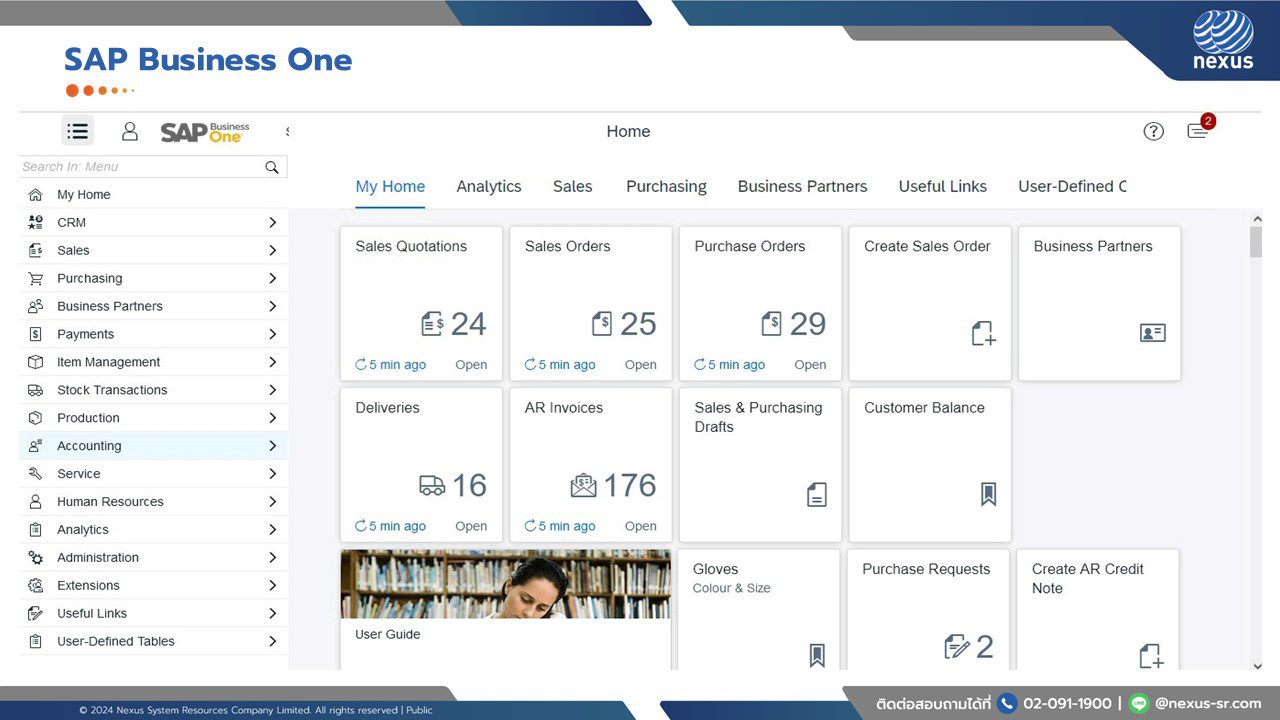
What Types of Companies Are Suitable for SAP Business One?
🔷 SAP Business One is designed for small and midsize businesses (SMEs) that need an integrated ERP system to manage their growing operations.
🔷 It is suitable for companies with future growth ambitions, including businesses preparing for expansion, organizational restructuring, or even a potential stock market listing (IPO).
🔷 It is ideal for businesses that want to establish standardized and transparent business processes, while adopting a system that can scale and grow alongside the organization.
🔷 It is also suitable for businesses looking for a flexible, powerful, and user-friendly ERP solution that is widely recognized and trusted by organizations worldwide.
What Types of Businesses Are Suitable for SAP Business One?
SAP Business One is a powerful ERP solution with a wide range of tools and modules that can support the needs of various industries, including Professional Services, Retail, Wholesale Distribution, and Manufacturing.
Supports Both On-Premise and Cloud Deployment
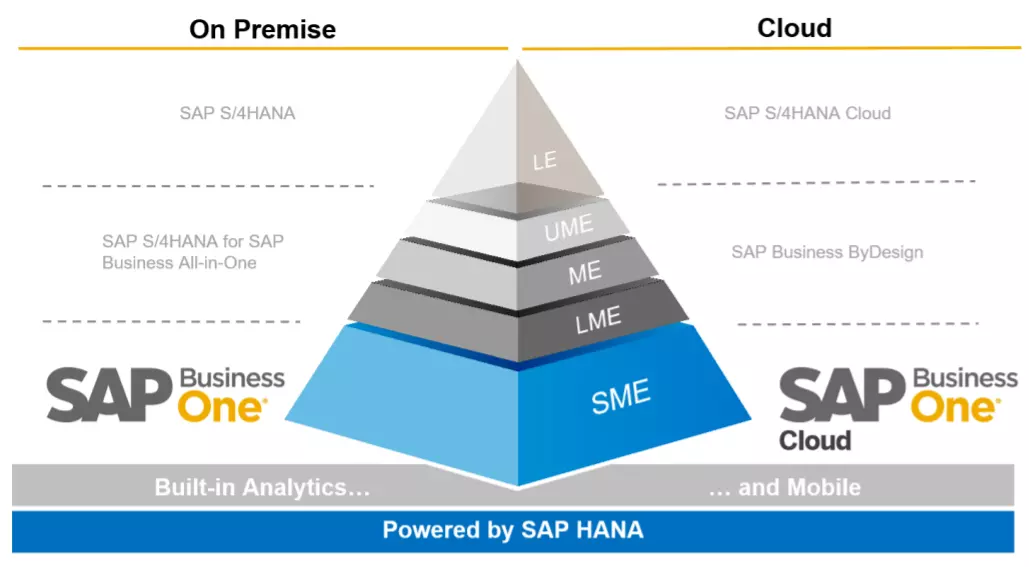
On-Premise
🔷 Aligns with company policies and internal data security requirements. Organizations can maintain greater control over compliance with internal security policies. For example, if company policy does not allow critical business data to be synchronized with external servers, an On-Premise deployment may be a more suitable option.
🔷 Greater customization flexibility. The system can be customized to support complex business processes and specific operational requirements. However, extensive customization may require a longer development and implementation timeline.
🔷 Leverage existing hardware and IT infrastructure. Organizations that already have internal hardware and an established IT infrastructure can utilize these resources for SAP Business One.
🔷 Higher upfront investment, with potential long-term TCO benefits. An On-Premise deployment typically requires a higher initial investment. Depending on the licensing and commercial model, organizations may have greater control over long-term costs. Additional expenses may include hardware, servers, system upgrades, maintenance, and software customization.
🔷 Less flexible for remote access, but less dependent on continuous internet connectivity. On-Premise environments may offer less flexibility compared with Cloud deployment, while reducing reliance on a continuous internet connection for certain operations.
Cloud
🔷 Faster deployment. Cloud deployment is generally easier and faster to implement, helping organizations get the system up and running within a shorter timeframe.
🔷 Greater flexibility and accessibility. Users can access SAP Business One functions from different locations through supported web-based access, depending on the deployment environment and configuration.
🔷 Lower initial infrastructure costs. Cloud deployment can reduce upfront infrastructure investment and may be offered through a subscription-based commercial model, making IT costs easier to plan and manage.
🔷 Reduced hardware and system maintenance responsibilities. Depending on the hosting model, the solution provider can manage infrastructure, system maintenance, and relevant updates, reducing the workload for internal IT teams.
🔷 Faster time to value and potential ROI. Because SAP Business One in a Cloud environment can be deployed relatively quickly, organizations can start using the system sooner and potentially reduce business disruption during implementation.

Why Start Your SAP Business One Journey with NEXUS?
As an SAP Business One PREMIER PARTNER, NEXUS helps organizations assess the challenges and limitations of their existing systems, design an ERP approach that fits their business requirements, and develop an implementation roadmap aligned with their future growth objectives.
Our services cover:
🔷 Business Process Assessment to analyze existing processes and identify areas for improvement
🔷 Solution Design tailored to the specific requirements of each business
🔷 System Implementation and Customization to ensure SAP Business One effectively supports business operations
🔷 Long-term System Support and Development, including post-Go-Live support, helping businesses operate with confidence and continuously enhance their ERP capabilities as they grow
Examples of Customers That Chose NEXUS for SAP Business One Implementation
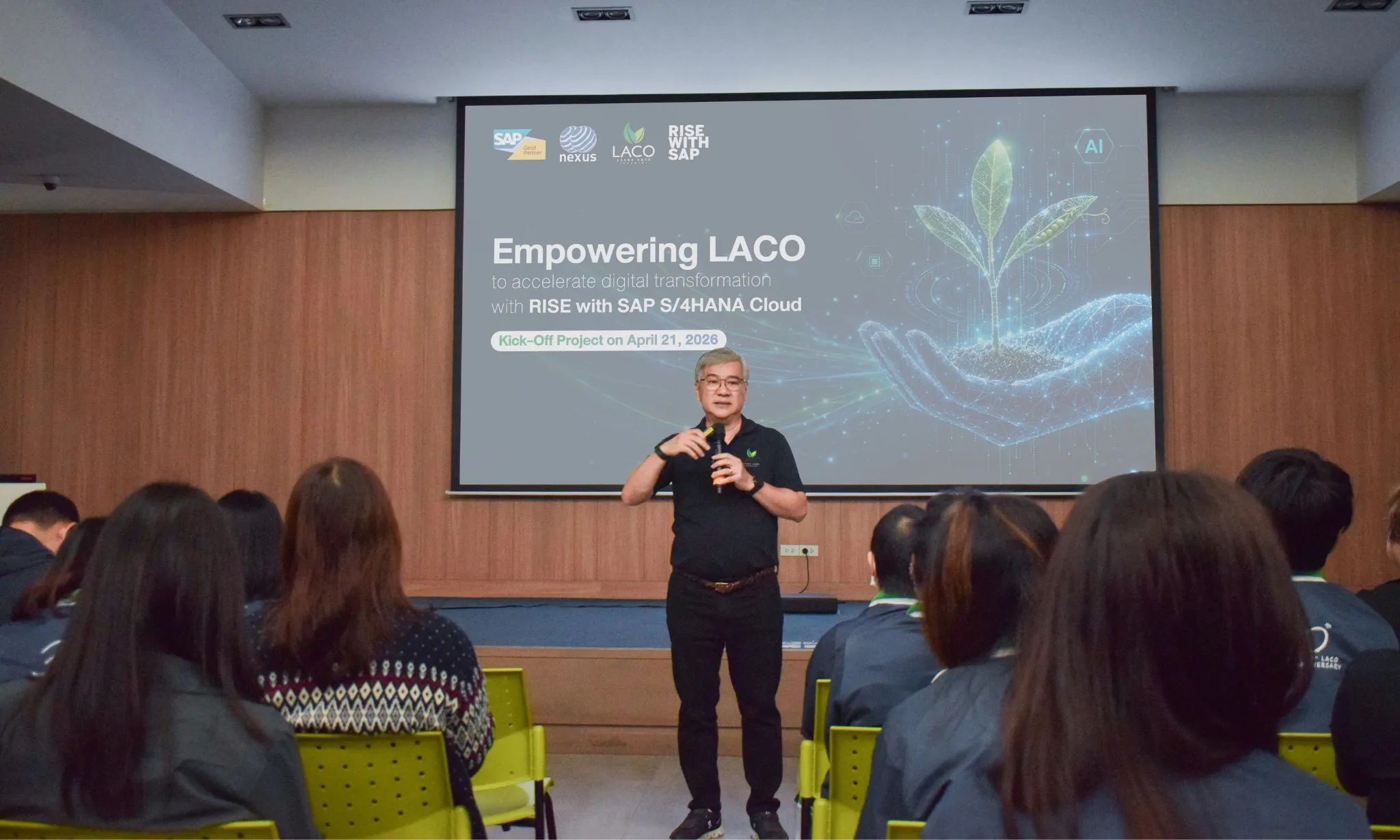
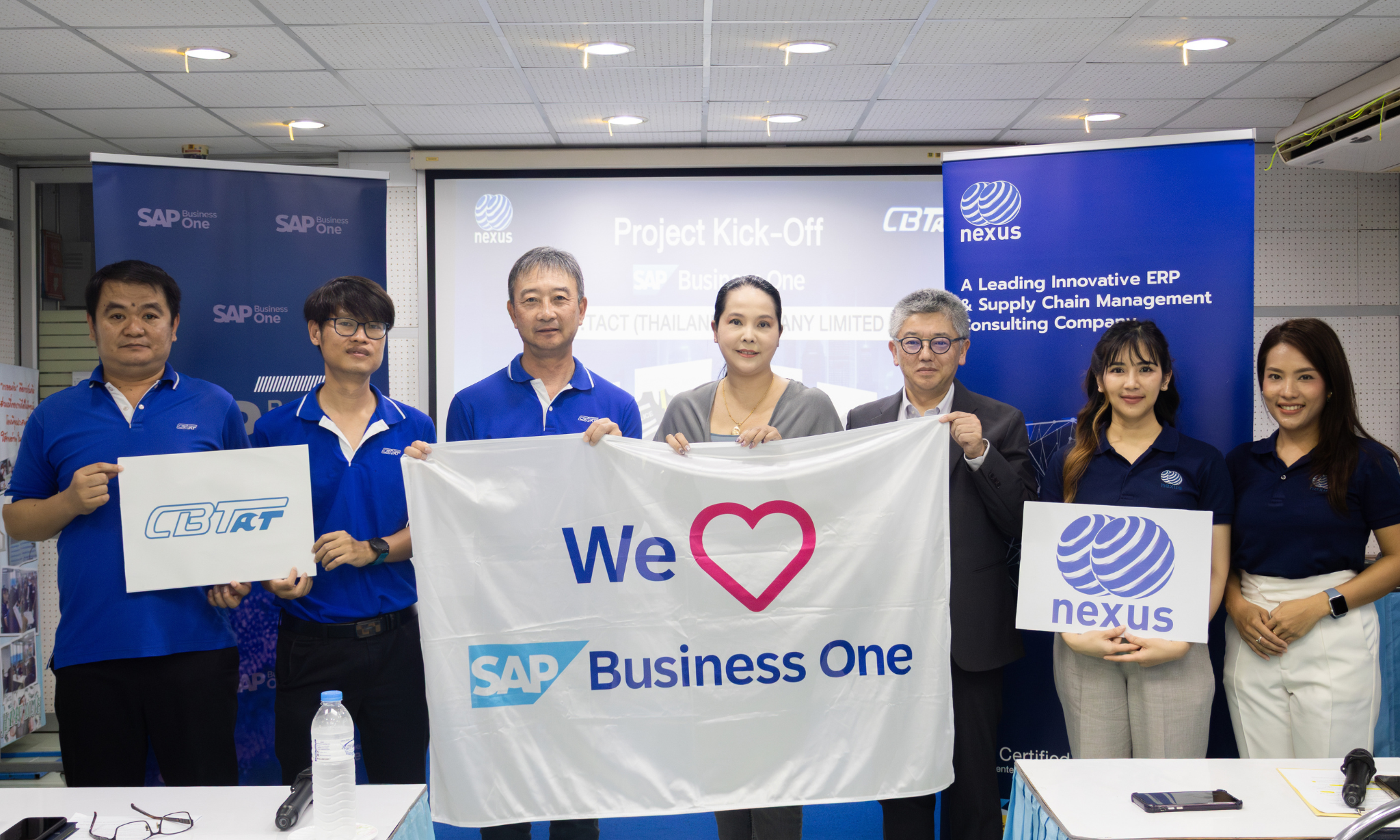
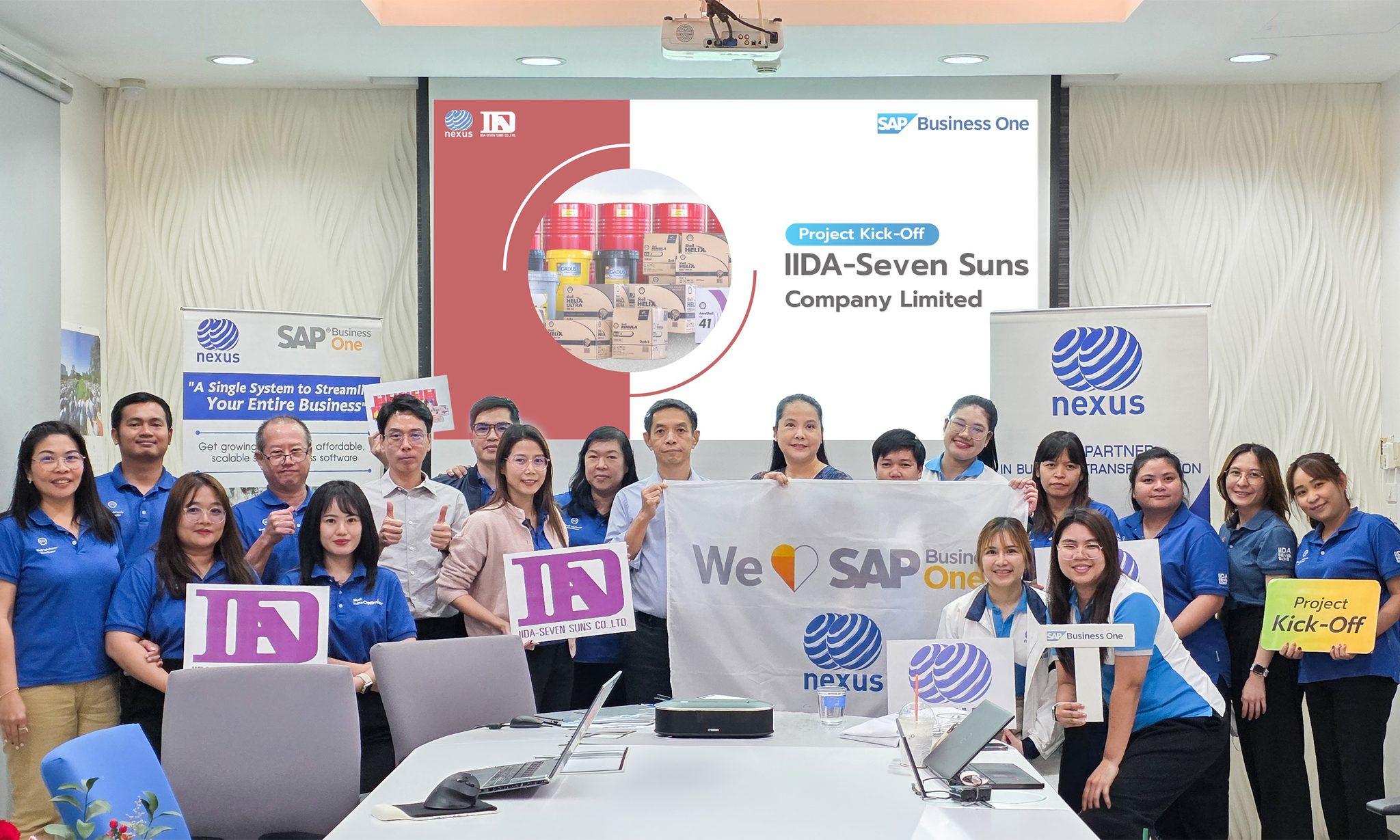
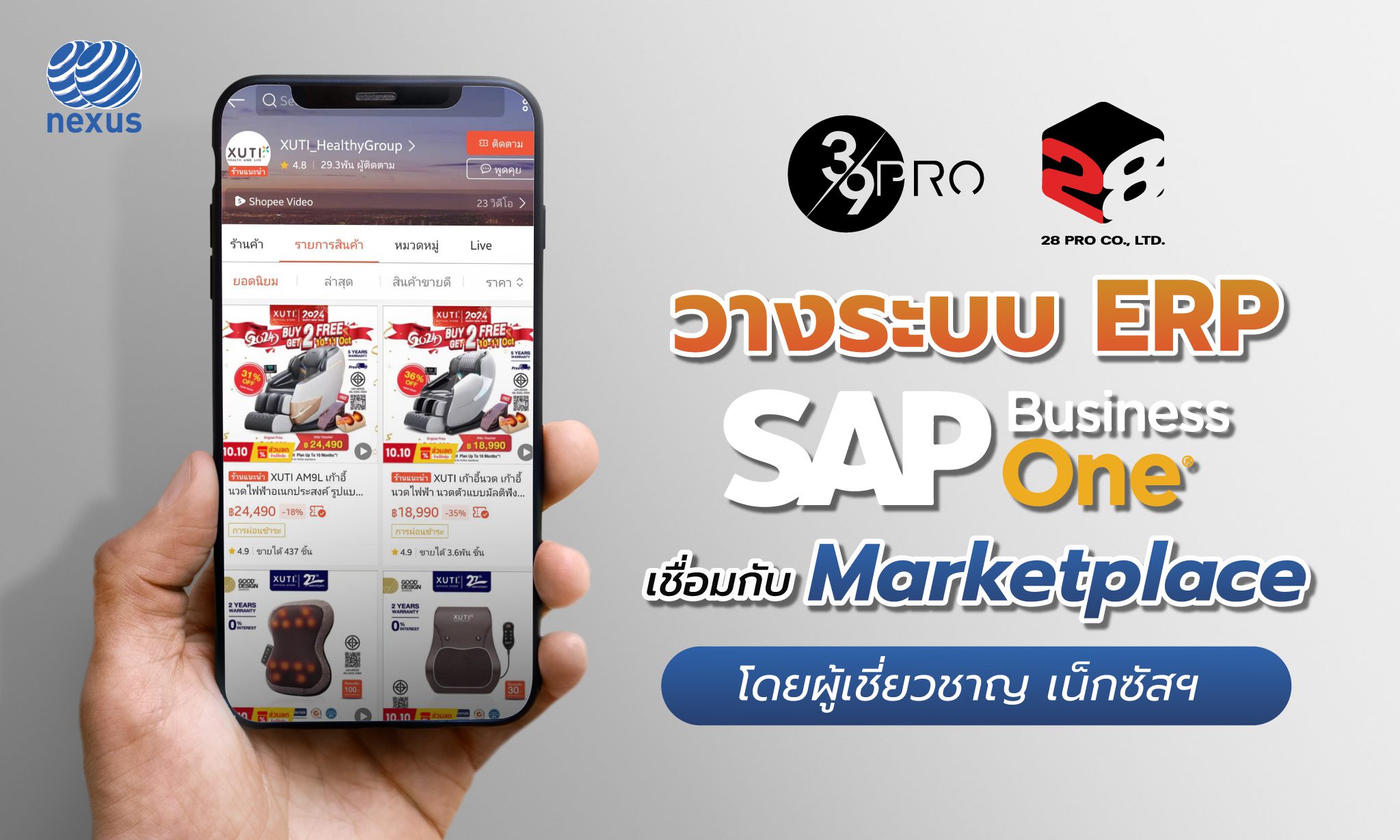
NEXUS has successfully implemented SAP Business One and provided ongoing support services to many customers across various industries, including 39 Pro and 28 Pro business groups, Wide Faith Foods, Food Innova, and P.A. Packing.

FAQ: SAP Business One
SAP Business One is suitable for small and midsize businesses whose operations are becoming more complex, such as organizations with multiple departments, warehouses, branches, or increasing transaction volumes. It is especially suitable for businesses that want to connect sales, purchasing, inventory, and accounting data within a single system.
In general, SAP Business One includes built-in accounting and financial management capabilities, allowing accounting processes to be managed alongside other business functions within the same system. However, the most appropriate operating model and any integration with existing systems should be evaluated based on each organization’s specific requirements.
Existing data can be prepared and migrated to the new system according to the agreed scope. This may include customer data, vendor data, item master data, opening balances, and open transactions. However, it is recommended to review and improve data quality before migration to ensure that the information in the new system is accurate and ready for use.
The implementation timeline depends on factors such as project scope, number of companies, number of users, process complexity, data migration, and integrations with other systems. Clearly analyzing requirements and defining the project scope from the beginning can help control the implementation timeline and reduce project risks.
If your business is facing fragmented data, duplicate data entry, inaccurate inventory, delayed reporting, limited visibility into actual costs, or an existing system that can no longer support business growth, it may be the right time to assess your readiness and consider implementing an ERP system.
SAP Business One can help transform fragmented information into an integrated business management system that connects processes across the organization.
Consult with the NEXUS expert team to assess your current ERP environment, business processes, data, and growth objectives. Our team can recommend and design an ERP approach that best fits your business requirements.
 Tel: 02-091-1900
 Line OA: @nexus-sr.com
 Email: [email protected]